
Blog
Focused articles on how HiBit Uninstaller fits into real Windows maintenance. Posts here explain strategies—when to snapshot the OS, how install tracing helps later, and what to verify after removing heavy software. For click-by-click procedures, pair them with the guides. For a single map of anchors, guides, glossary, and downloads, open the topics hub.
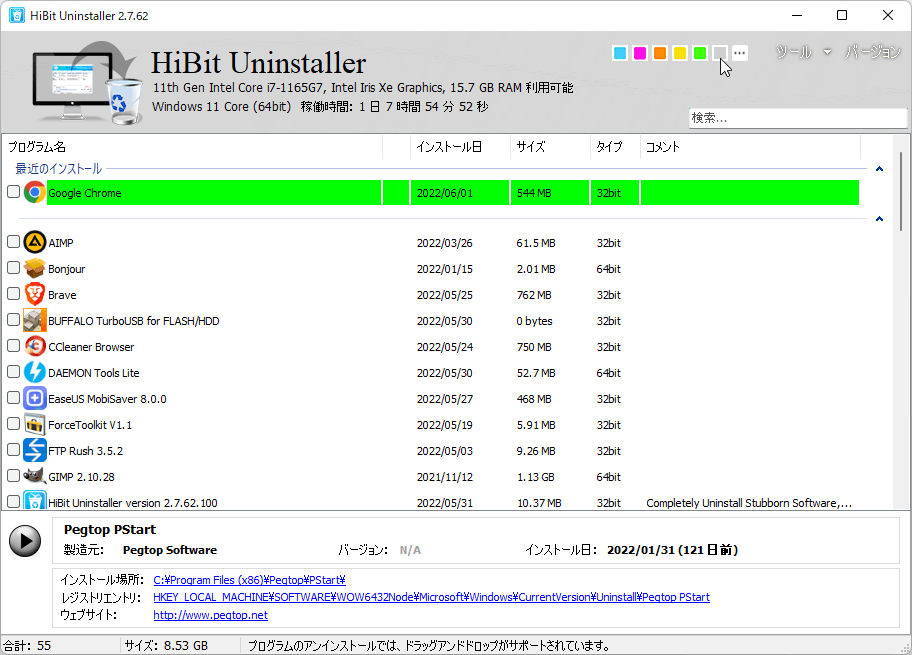
Reading tip. New to HiBit? Read portable vs installer first, then installation monitor if you frequently trial software. Save restore points for days when you plan deep registry review.
Blog articles
Each card opens a full HTML article—no external iframe or “read more elsewhere” gate.
-
Portable vs installer editionUSB field kits vs a traditional setup: shortcuts, inventory visibility, and update habits.
-
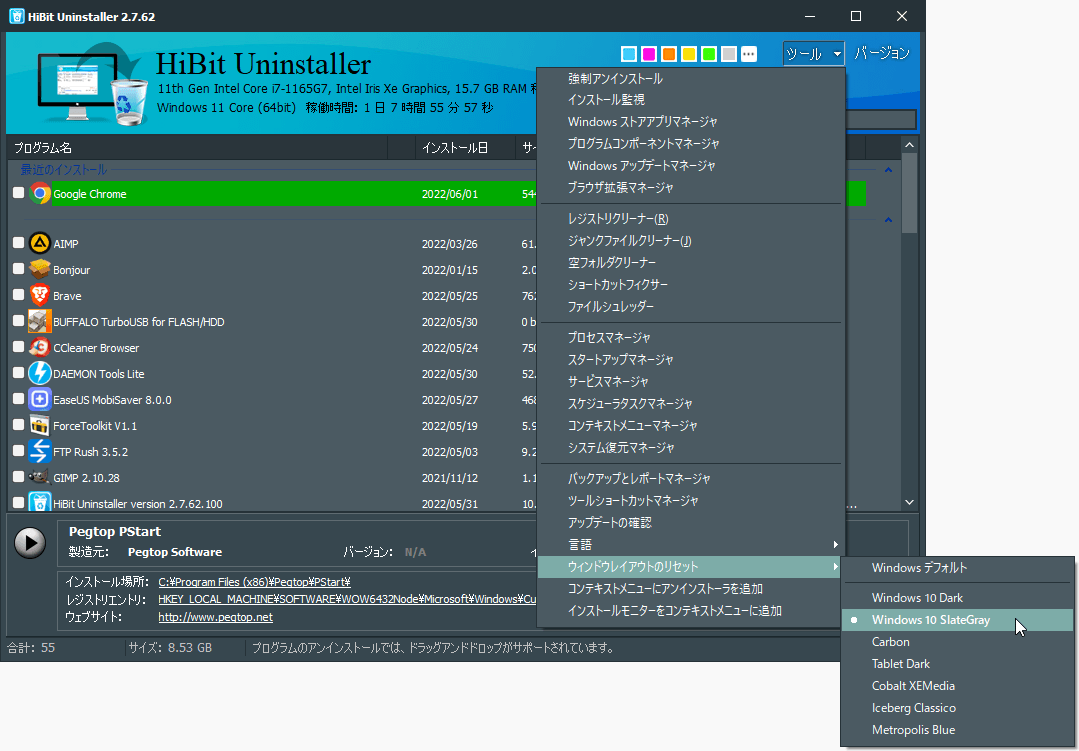 Installation monitor explainedTrace filesystem and registry changes while a setup runs so uninstalls stay precise weeks later.
 -
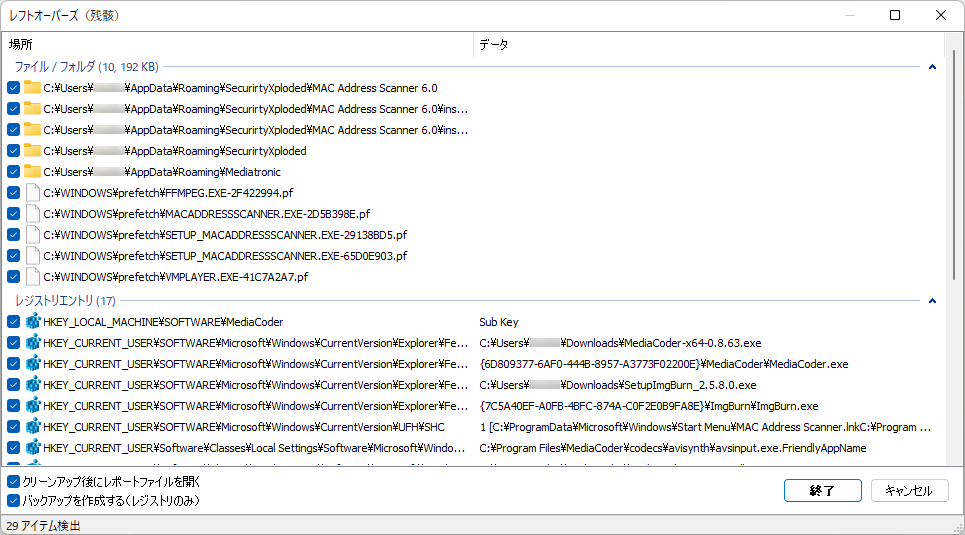 Restore point before uninstallLayer System Restore with HiBit session backups before aggressive cleanup.
 -
Startup items after uninstallTasks, services, and tray helpers that survive the main uninstaller—how to audit safely.
Guides
Longer procedural pages (served from /guides/ on the live site):
- Force uninstall on WindowsWhen Add/Remove or Settings fails.
- Remove leftover files and registry entriesSafe review after a scan.
- Uninstall stubborn security softwareAntivirus and low-level tools.
- Batch uninstall multiple programsQueue many apps in one session.
- Microsoft Store appsUWP removal considerations.
- Choosing an uninstallerFeatures that matter on Windows.