
Topics hub
This independent guide helps you navigate HiBit Uninstaller content on the homepage, step-by-step guides, blog articles, and supporting pages. All section links below use anchors that exist on the main English page—so you always land on a real block of content, not an empty fragment.
If you are new here, start with the tutorial and download sections on the homepage, then bookmark this hub when you need a single map of everything else. Power users often pair the deep-dive maintenance chapter with the leftovers guide for line-by-line cleanup.
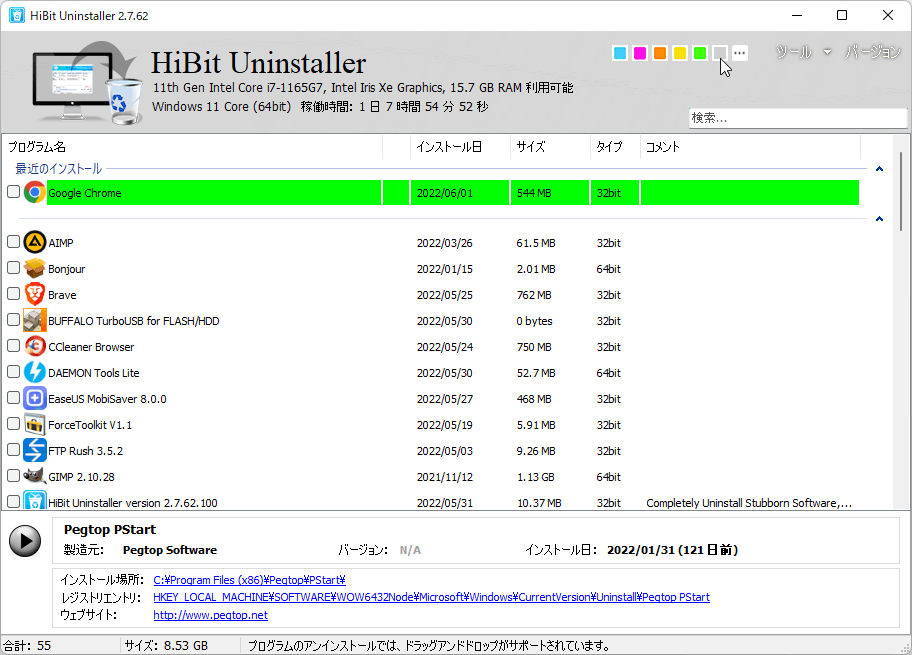
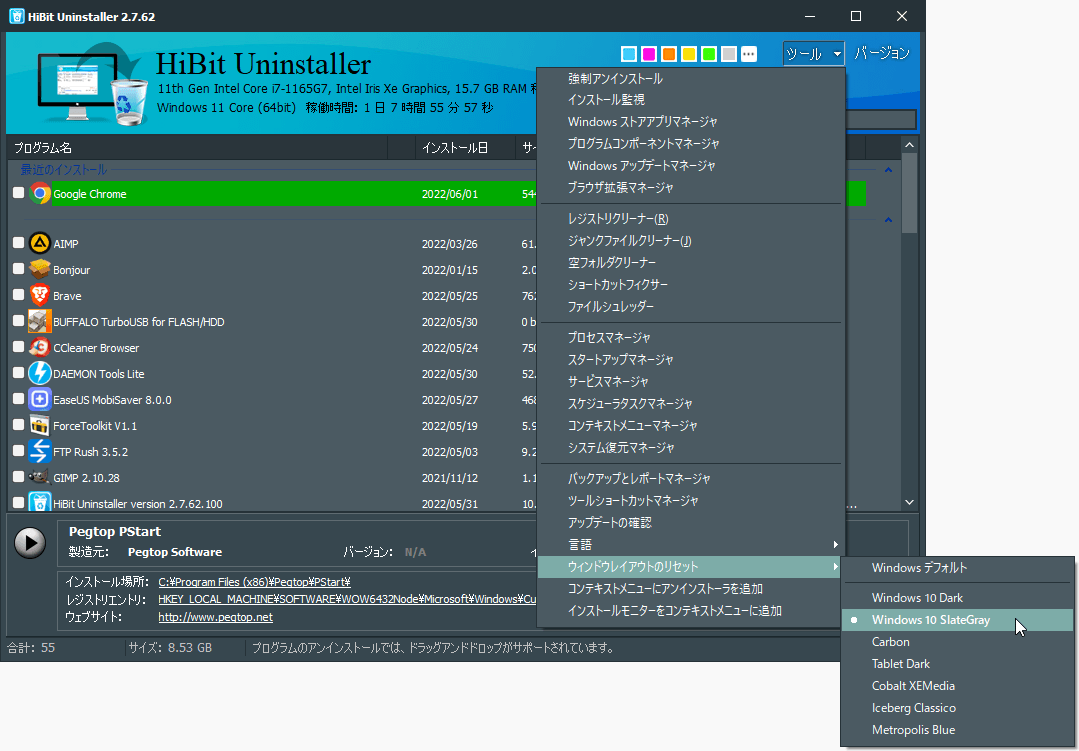
The screenshot shows the main program list—where most uninstall sessions begin. From there you can queue standard removals, switch to force mode when an entry is broken, and open the tools menu for startup, processes, and related maintenance.
Suggested reading order
- Download a build (portable or installer) and skim portable vs installer if you are unsure which to pick.
- Walk through standard uninstall first, then learn when force uninstall is appropriate.
- Before aggressive registry cleanup, read restore points and the leftover scan guide.
- After removing security suites or “always-on” apps, use startup cleanup and the stubborn software guide as needed.
Sections on the homepage
Open the full homepage first, then jump to a section. Each link opens the English long-form page at the matching heading.
- FeaturesForced uninstall, batch removal, bonus tools, Store apps, install monitor, portable edition.
- ReviewsQuotes and community feedback about thorough removal and a small footprint.
- TutorialQuick start: standard uninstall, force mode, and batch cleanup with screenshots.
- TroubleshootingCommon issues: stuck uninstalls, leftovers, UI scaling, and safety basics.
- DownloadInstaller and portable builds, free for personal and commercial use.
- Knowledge hubResource library: safe removal, performance tips, enterprise-style hygiene, and FAQ.
- Detailed FAQWhat HiBit is, force uninstall risks, leftovers, Store apps, maintenance cadence, portable mode.
- Deep-dive maintenanceFile and registry traces, services, extension footprint, checklists, troubleshooting matrix.
- Uninstall & cleanup compendiumPlaybooks, real-world scenarios, and extended Q&A.
- Operations handbookLong-horizon maintenance and policy cards for shared or heavy-use PCs.
Guides
- Force uninstall on WindowsWhen the standard uninstaller fails or is missing.
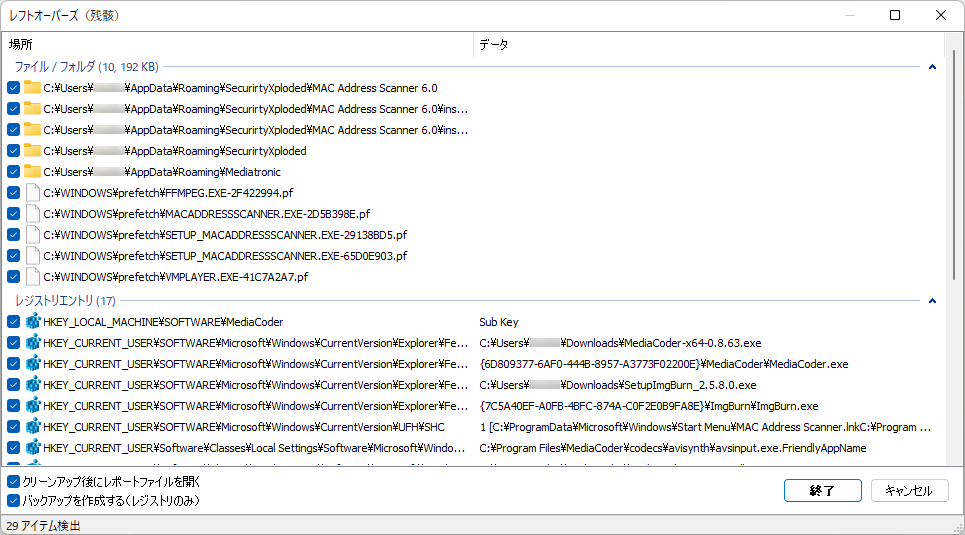
- Remove leftover files and registry entriesReview scans safely after uninstall.
- Uninstall stubborn security softwareAntivirus and tools that resist removal.
- Batch uninstall multiple programsSave time on large cleanup sessions.
- Microsoft Store appsRemove UWP apps and related components.
- Choosing an uninstallerWhat to look for without hype.
Blog
Shorter articles on editions, install monitoring, restore points, and startup cleanup. They complement the guides: guides are procedural walkthroughs; blog posts compare strategies and explain why a feature matters. See the blog index for thumbnails and the full list.
- Portable vs installer editionWhich build fits your workflow.
- Installation monitor explainedHow tracing installs helps later uninstalls.
- Restore point before uninstallWhen to snapshot Windows before deep cleanup.
- Startup items after uninstallTasks and launchers to verify when an app is gone.
Other pages
- Download pageFocused landing with one primary download action, edition notes, and system expectations.
- GlossaryShort definitions for uninstall and Windows cleanup terms (batch mode, restore points, Store apps, and more).
- PrivacyHow this static site handles data, CDNs, and third-party download links.
Quick FAQ
- Do I need a local server to browse this site?
- No. Links on these pages use relative paths so you can open HTML files from disk. For a server-like preview, any static file host or
npx serveworks too. - Where is the “official” HiBit site?
- This domain is an independent guide. Verify software origin and checksums with the publisher or mirrors you trust before running installers.
This site is an independent informational resource and is not affiliated with the software author. Product names are used for identification only.